Step 1 · Setup
Tell it about your business
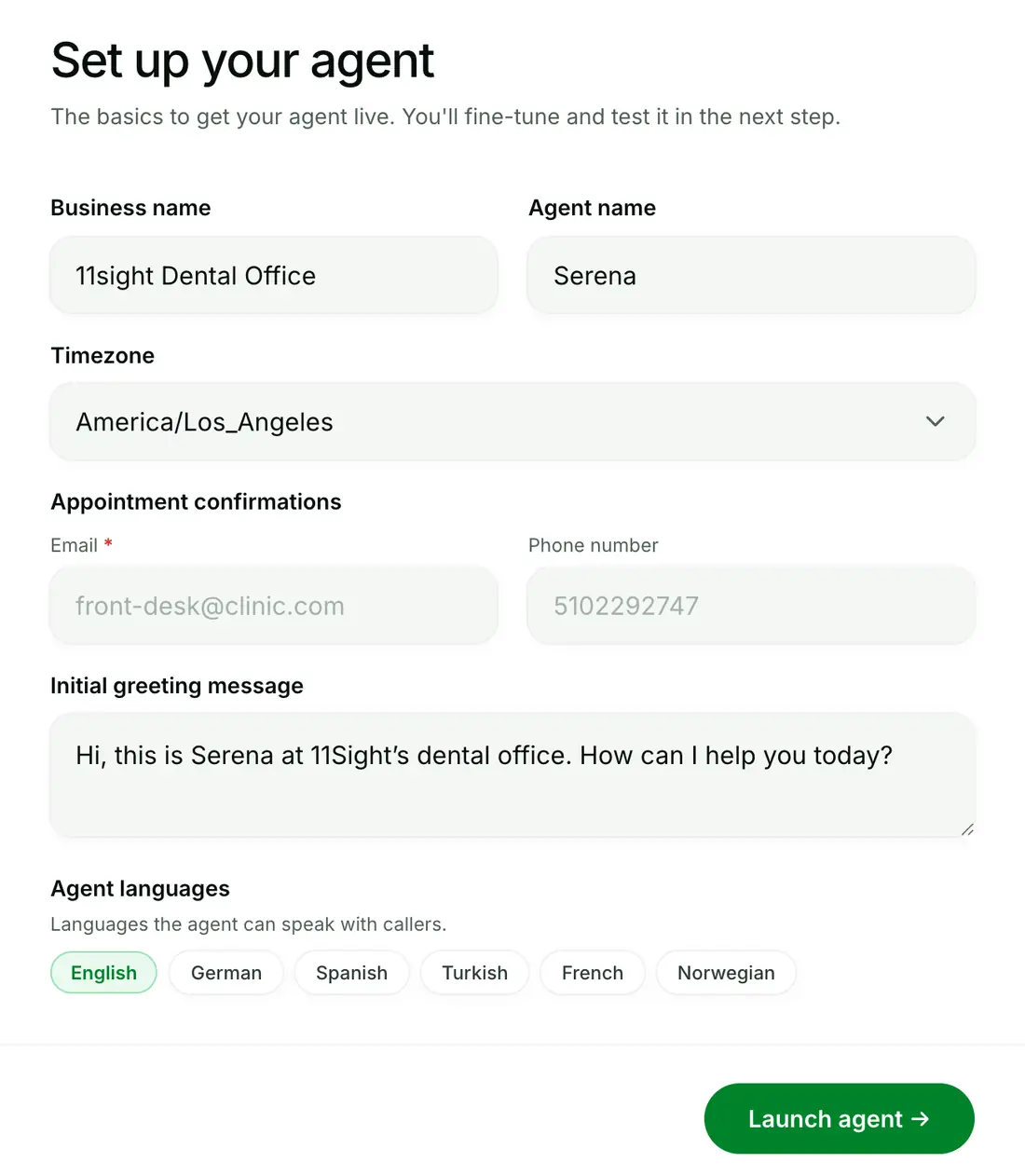
Business name, agent name, timezone, languages, your greeting and where confirmations go. That’s all it needs to launch.
Try it live
Book appointments, answer questions, manage and route calls. Customize to fit your business.
Hi, I’d like to book a cleaning sometime next week.
Of course. Tuesday at 2:30 PM with Dr. Hayes is open. Shall I book it?
Hi, can I book a test drive for the hybrid RAV4 this Saturday?
Sure. Saturday 10:00 AM is open. I’ll have it fueled and waiting up front. Shall I book it?
Hey! Any chance of a balayage this weekend?
Saturday 1:00 PM with Maya just opened up. Shall I book you in?
Hi, a table for four this Friday around 8?
Friday 8:00 PM for four is open on the terrace. Shall I book it?
Try agent opens the same provisioning flow you’ll use for your own business. No code, four steps.
Business name, agent name, timezone, languages, your greeting and where confirmations go. That’s all it needs to launch.
Eight panels of control: what it books, the rules it follows, what it knows, when it transfers, and how it sounds.
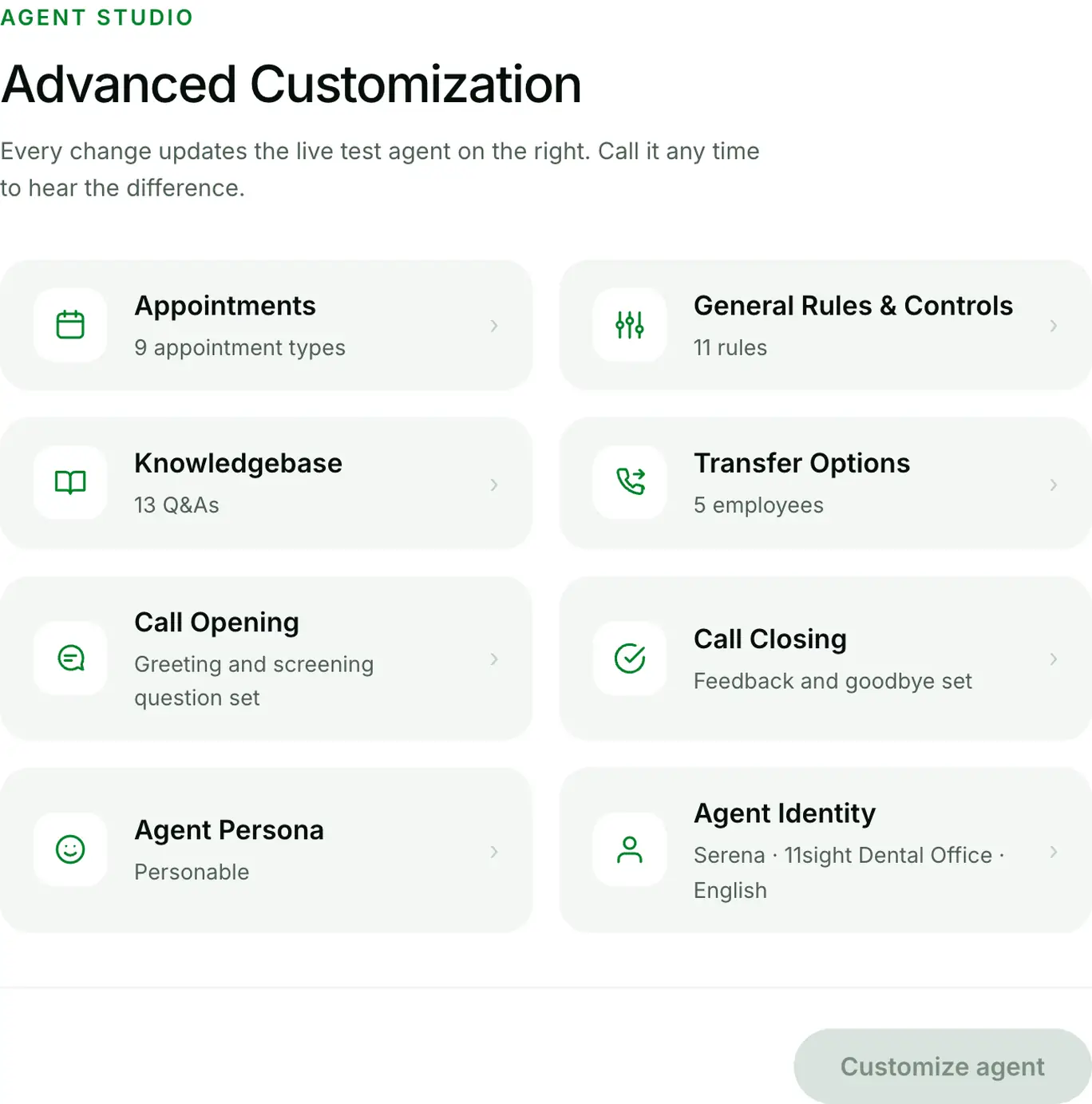
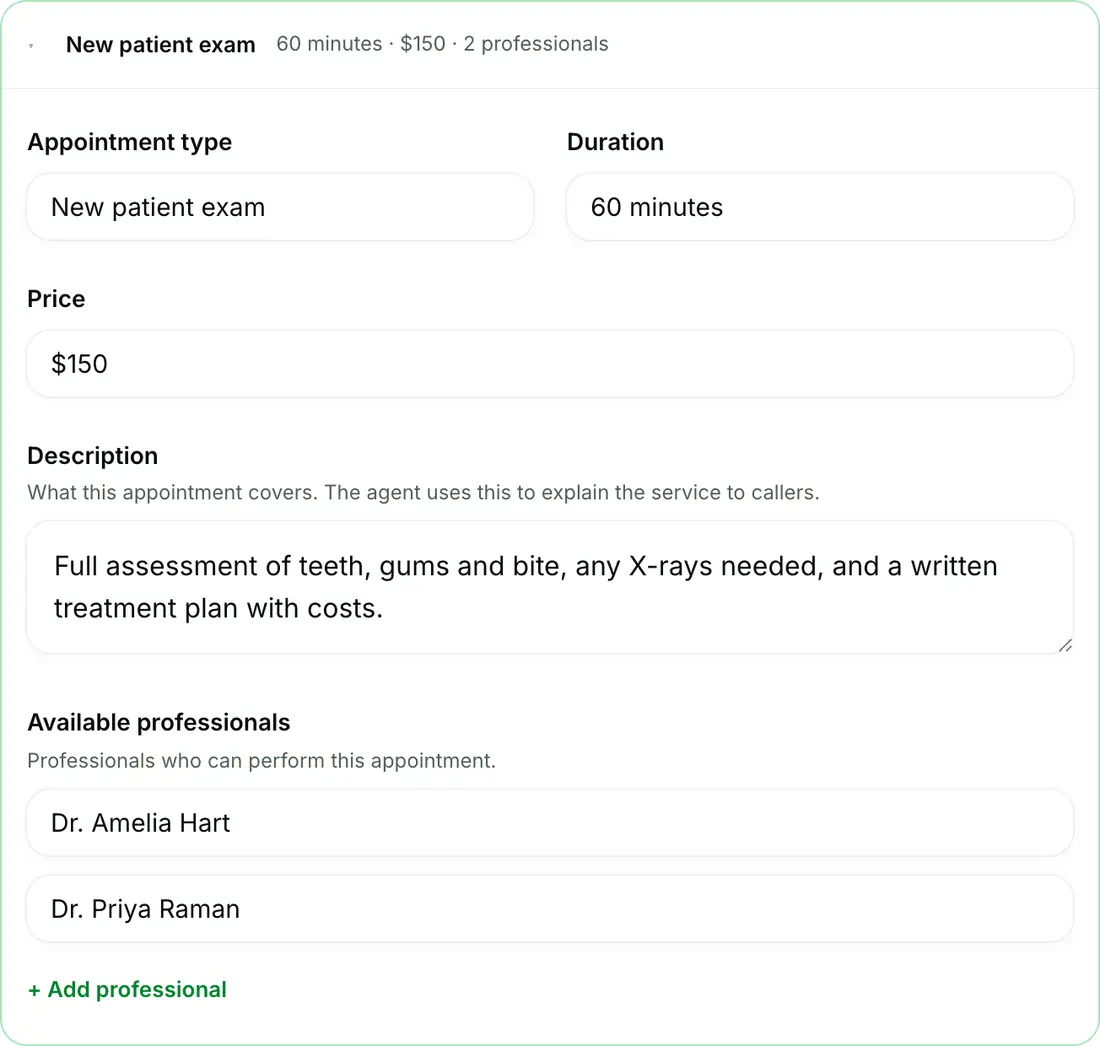
Open any panel and tune the details. Every appointment type carries its duration, price, description and the professionals who take it. Serena books exactly the way your front desk would.
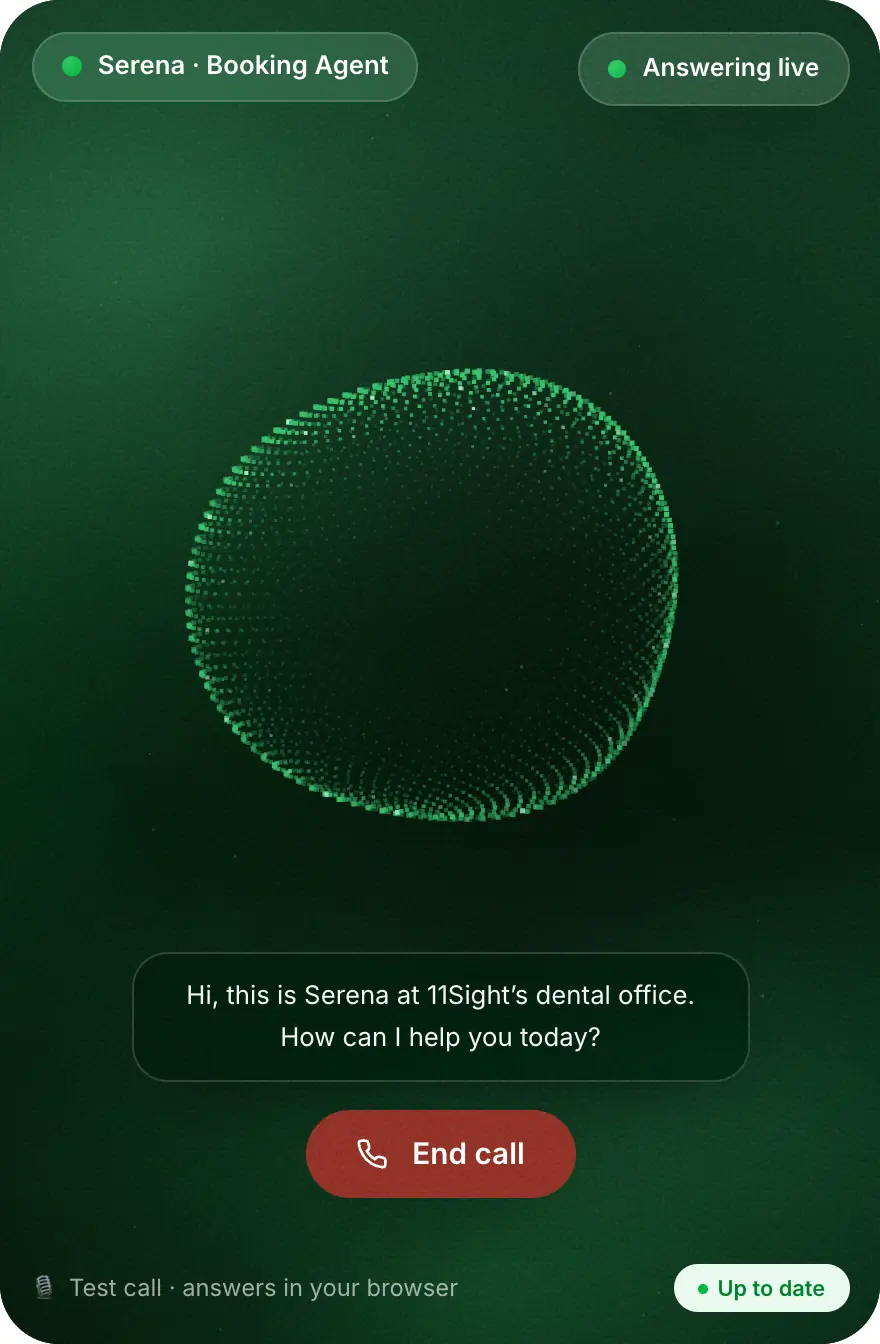
A live test agent runs beside the studio. Every change you save is on the line seconds later. Hear it before your customers do.
Four steps, no code. Set Serena up yourself, or book a demo and we’ll do it with you.
Both roads lead to a quick call with our team. Pick what fits.
Tell us about the agent you need. We set it up and send it to you.
A short call to size things for your call volume and share clear pricing.
Prefer email? bora@11sight.com
Tell us about the agent you need. We will set it up and send it to you.